Website UX audit from one URL
Paste a site’s address. In 2–4 minutes, coExploro gives its public pages a UX score in six dimensions, and an AI UX analyst writes findings on them from a dated capture.
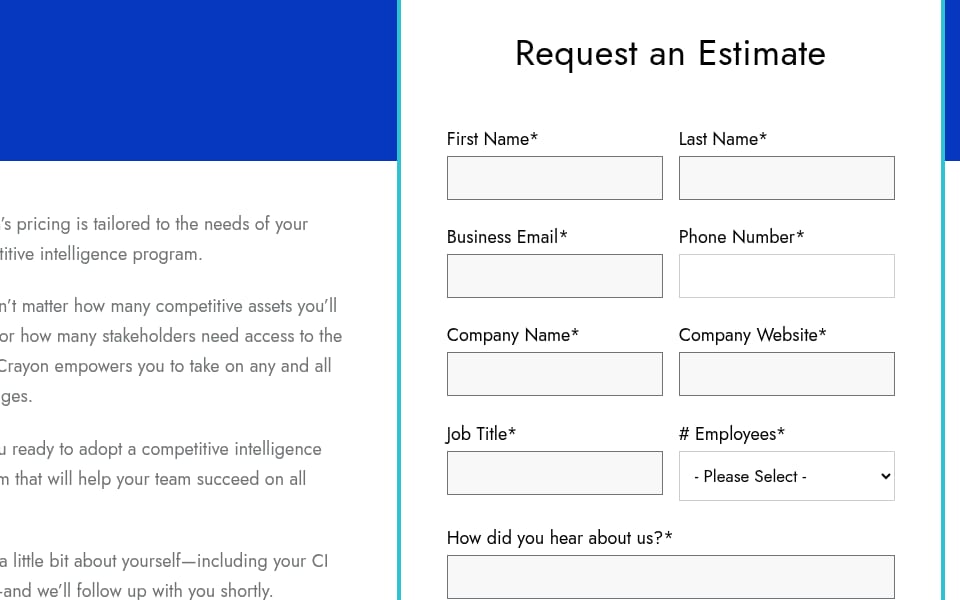
Evidence: Request an Estimate
· Seen on www.crayon.co/pricing, pricing page, heading of the form · Captured · Indirect evidence
How it runs
Paste the address of a site, yours or a rival’s.
coExploro captures that page, then the site’s pricing and features pages when it finds them, each with its date.
Four AI analysts read the captured pages: UX, PM, Marketing and Designer. Every run is a full product teardown.
What you get
- Findings from a UX analyst
- Navigation, accessibility concerns and layout, read from the captured pages. Each finding carries an impact level and, where it finds a problem, a recommendation.
- A UX score in six dimensions
- Each dimension scored 0 to 100, with one sentence that names the page element behind the score.
- Receipts
- The capture date of every page, and the screenshot behind a finding when one is attached.
- Three more readings
- PM, Marketing and Designer analysts read the same captured pages: what the product claims, who it speaks to, and how the layout ranks it.
The six UX dimensions
- Visual hierarchy
- Layout clarity, spacing, type hierarchy and visual flow.
- Navigation clarity
- Menu structure, wayfinding and link clarity.
- Content quality
- Copywriting, clarity of the value proposition and readability.
- CTA effectiveness
- Button design, placement, contrast and specificity.
- Trust signals
- Social proof, security badges, testimonials and brand credibility.
- Performance perception
- Loading states and perceived speed, when the capture shows them.
A dimension the capture cannot show gets no score and is left out of the average. On 23 of the 27 public samples, the capture could not show all six.
Where it stops
- It reads public pages and does not sign in, so screens behind a login are not captured.
- It is not usability testing: no participants, no tasks, no session recordings.
- It has no traffic, analytics or conversion data.
- If a site blocks the capture, you can upload screenshots of its pages from a free account instead.
Free to start
- Without an account
- One run a day per network
- Free account
- 3 teardowns a month
- Paid plans
- From $16 a month, billed yearly
USD reference price · See currency and tax details
Questions
What is a website UX audit?
A review of a site’s pages against a checklist of UX criteria, such as visual hierarchy, navigation and calls to action, that ends in findings with the evidence for each. coExploro runs one on a site’s public pages from a dated capture.
Is this a usability test?
No. A usability test observes people trying tasks on a product. coExploro reads captures of public pages with AI analysts, so it can show where to test with people, not replace that test.
Can it audit pages behind a login?
No. coExploro captures public pages and does not sign in. If a site blocks the capture, you can upload screenshots of its pages from a free account instead.
How long does a website UX audit take?
2–4 minutes for one site. The run returns the UX score, the UX analyst’s findings and the three other analysts’ readings of the same capture.
Can I run a UX audit on a competitor’s site?
Yes. Public pages read the same way whoever owns them, so you can set a rival’s site beside your own, each with its capture date.